IBM Cloud Databases for PostgreSQL
Managed PostgreSQL with service-provided connection settings and private VPE access for Gen 2.

Database accelerator for IBM Cloud
Keep your managed PostgreSQL, MySQL or Db2 database. Add EngineGrids Accelerator to reduce repeated database work and make more room for growth.
Managed IBM Cloud databases
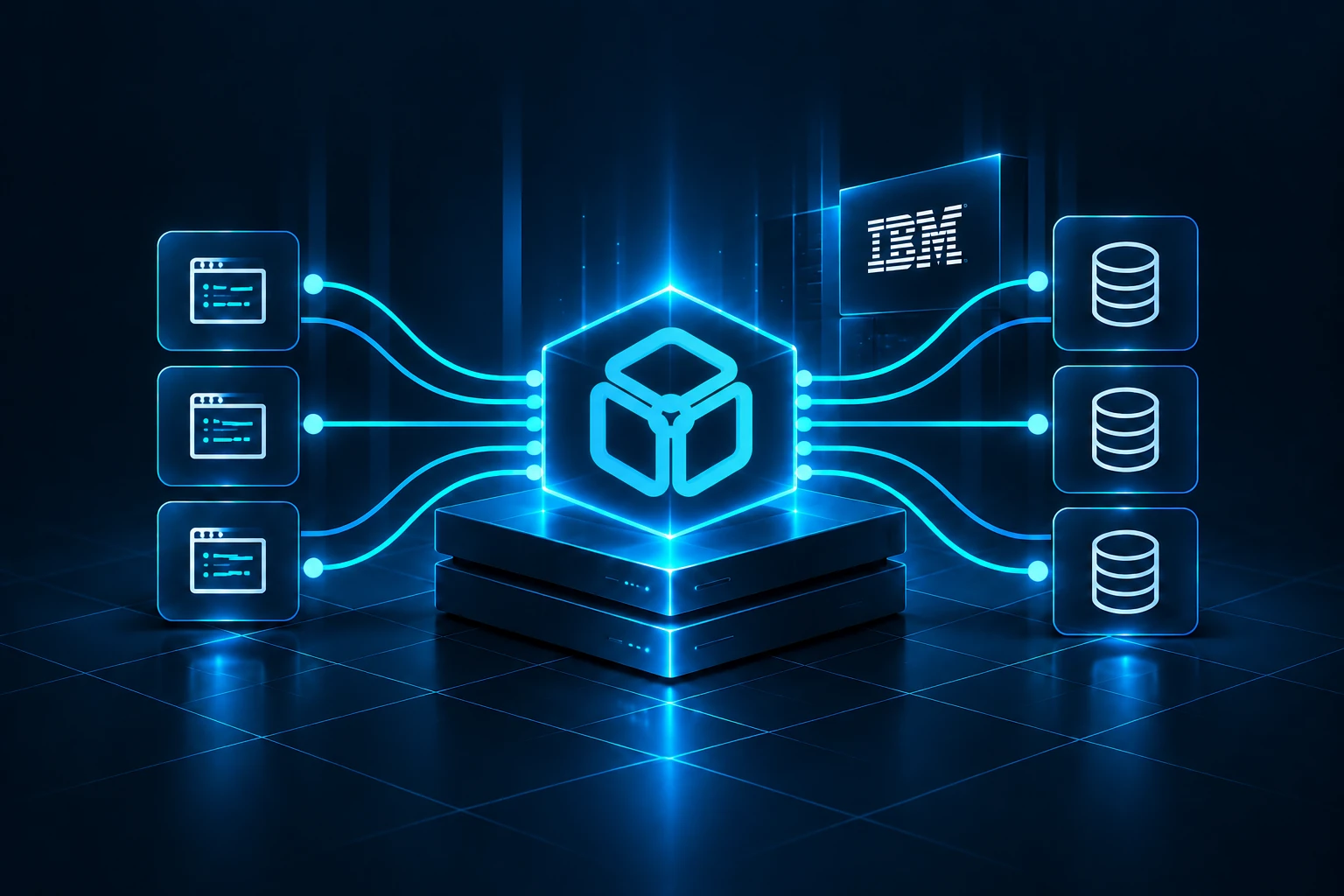
Connect applications through EngineGrids Accelerator to the native SQL endpoint of your IBM Cloud database. Your database remains the system of record.
Managed PostgreSQL with service-provided connection settings and private VPE access for Gen 2.
Managed MySQL with native client connections and private VPE access for Gen 2.
Db2 LUW applications using the managed service’s native Db2 endpoint.
How it works

System of record
Place Accelerator on customer-managed compute that can reach your database endpoint. Reduce repeated reads and use configured write handling for suitable workloads, while the managed database remains the system of record.
Connection planning
Use your existing application driver and connection configuration. Set the application endpoint to Accelerator, then configure its database-facing connection with the service hostname, port, database, credentials and TLS settings. The normal setup requires no application source changes or data migration.
Reach Gen 2 PostgreSQL and MySQL through their Virtual Private Endpoint gateways. Use the private DNS and network paths configured for your database service.
Copy the endpoint and port from the service connection information. Retain database names, authentication and certificate verification, including the upstream TLS server name.
For IBM Db2 SaaS, use the supplied database name, hostname, SSL port and certificate settings with your existing Db2 driver. The applicable engine family is Db2 LUW.
For databases you manage on IBM Cloud infrastructure, the same connection model applies to supported MySQL, PostgreSQL, SQL Server, Oracle Database and Db2 LUW deployments. These are separate from the managed services above.
Business value
Lower repeated database demand can support a smaller compute configuration or absorb growth before the next scale-up. Build the business case around the resources your deployment actually provisions.
More headroom without a larger database plan
Compare measured PostgreSQL and MySQL demand with available CPU and RAM configurations. Keep the same availability and workload requirements in the comparison.
Evaluate Db2 SaaS compute and memory separately from storage and IOPS. Reduced database work can create useful headroom within the current plan.
Include storage, backups, private connectivity and Accelerator operation. For self-managed commercial databases, review eligible license savings when the licensed capacity actually changes.
Compare workload demand, a suitable compute configuration, software licensing and the Accelerator footprint using your own prices.
Performance Lab
Evaluate EngineGrids in your own cloud environment. Compare workload performance and database demand.
Get started
Start with a 30-day free trial, then continue your deployment through the purchasing route that fits your business.